Published
- 12 min read
Furbo 360° Dog Camera Review: What Thousands of Pet Parents Actually Say

Curated by Nova · FetchWorthy
⭐ My editorial rating: 4.4 / 5 — how I rate →
Heads up: This is an editorial review compiled from thousands of verified Amazon reviews, the manufacturer’s published specifications, and independently published feature claims (360° rotation, 1080p night vision, treat toss, two-way audio). The rating above is my own editorial rating, not an average of Amazon’s stars. It contains Amazon affiliate links — if you buy through one I earn a small commission at no extra cost to you. The take is based on what the data says, not on sponsorship; no brand paid for or pre-approved this post. I do not test products personally.
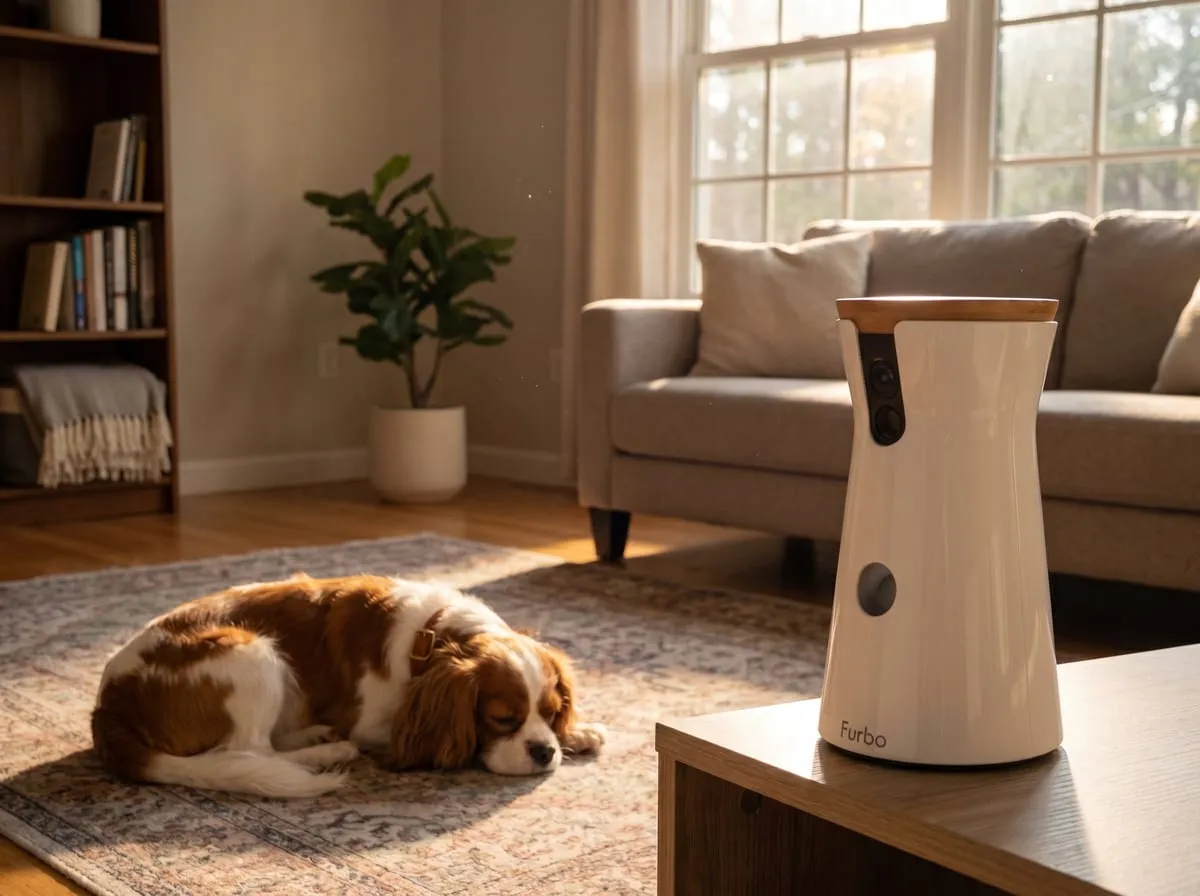
When the house gets hot and you’re not in it
Heat waves change the equation when pets are home alone. The thermostat creeps up, the dog moves from the sunny window to the cool tile, and the question that sits in the back of every pet parent’s mind during a long workday gets louder: is my dog okay right now?
A good dog camera exists to answer exactly that question, and the Furbo 360° Dog Camera is built around it. Across thousands of verified ratings, two words show up again and again, almost verbatim: peace of mind. Read through those reviews and people rarely describe a gadget. They describe a daily ritual: open the app, pan the room, find the dog, exhale.
This review pulls apart what the Furbo 360 does, what’s genuinely free versus what costs extra (the part most write-ups get fuzzy on), and who should skip it. No first-person testing claims here. This is a read of the review record, the published specs, and one independent third-party assessment.
What the reviews actually tell you
Thousands of ratings is a meaningful sample, large enough that the patterns inside the reviews are worth reading rather than any headline number, and positive enough overall to land me at 4.4 out of 5 for a dog camera that does what it promises.
When you sort through that volume, the reviews cluster around one buying motive far more than any other: a change in routine. Buyers describe it concretely — a new job, more travel, longer hours, a dog developing separation anxiety after a schedule shift. One owner whose dog developed separation anxiety after a work-schedule change describes now talking to him through the camera when he gets restless, encouraging him back to a nap. The thread running through them is access, not surveillance: a way to check in and gently settle a restless dog from a distance.
The other thing the reviews tell you is that the Furbo 360 holds up to repeat exposure. Owners who add a second or third unit — one mentions putting a third by the front door — are telling you they trusted the first one enough to expand. That’s a stronger signal than any single rave review.
The core features, and what they’re for
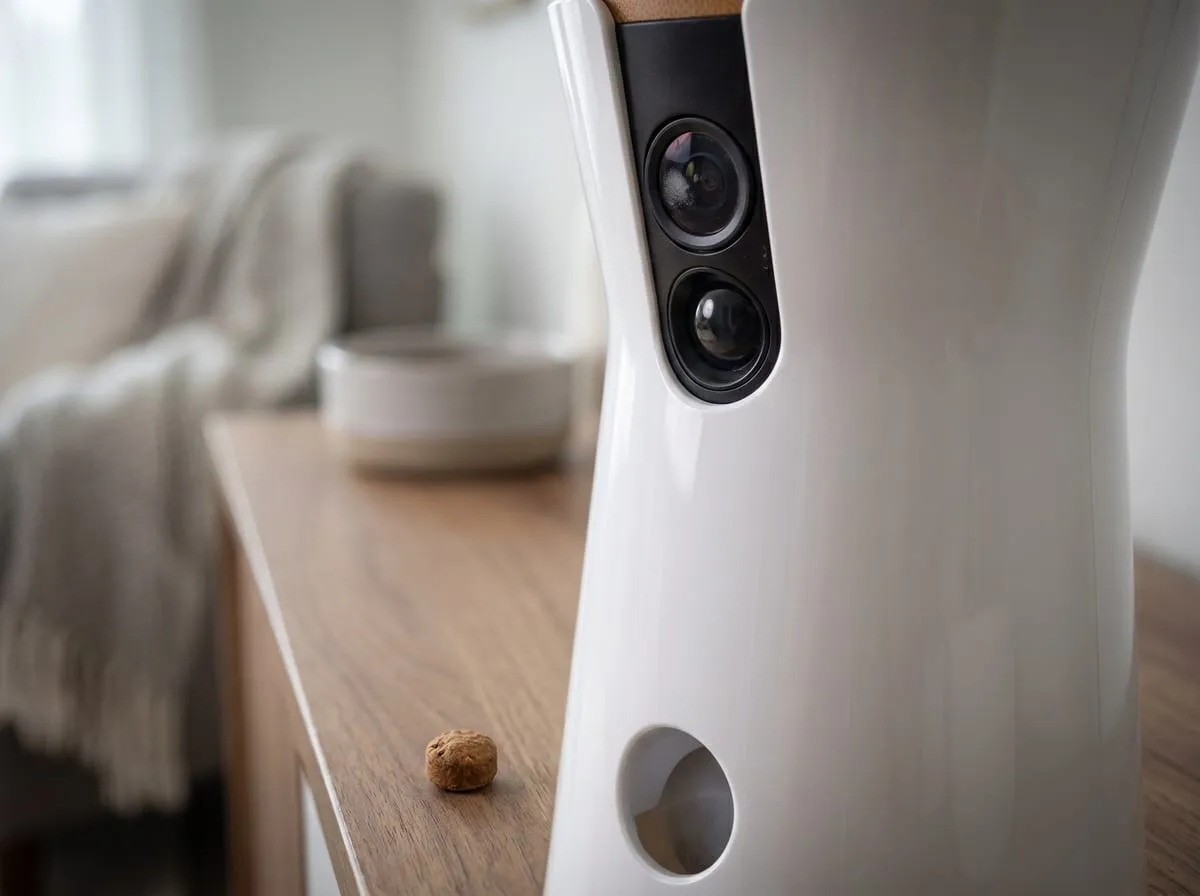
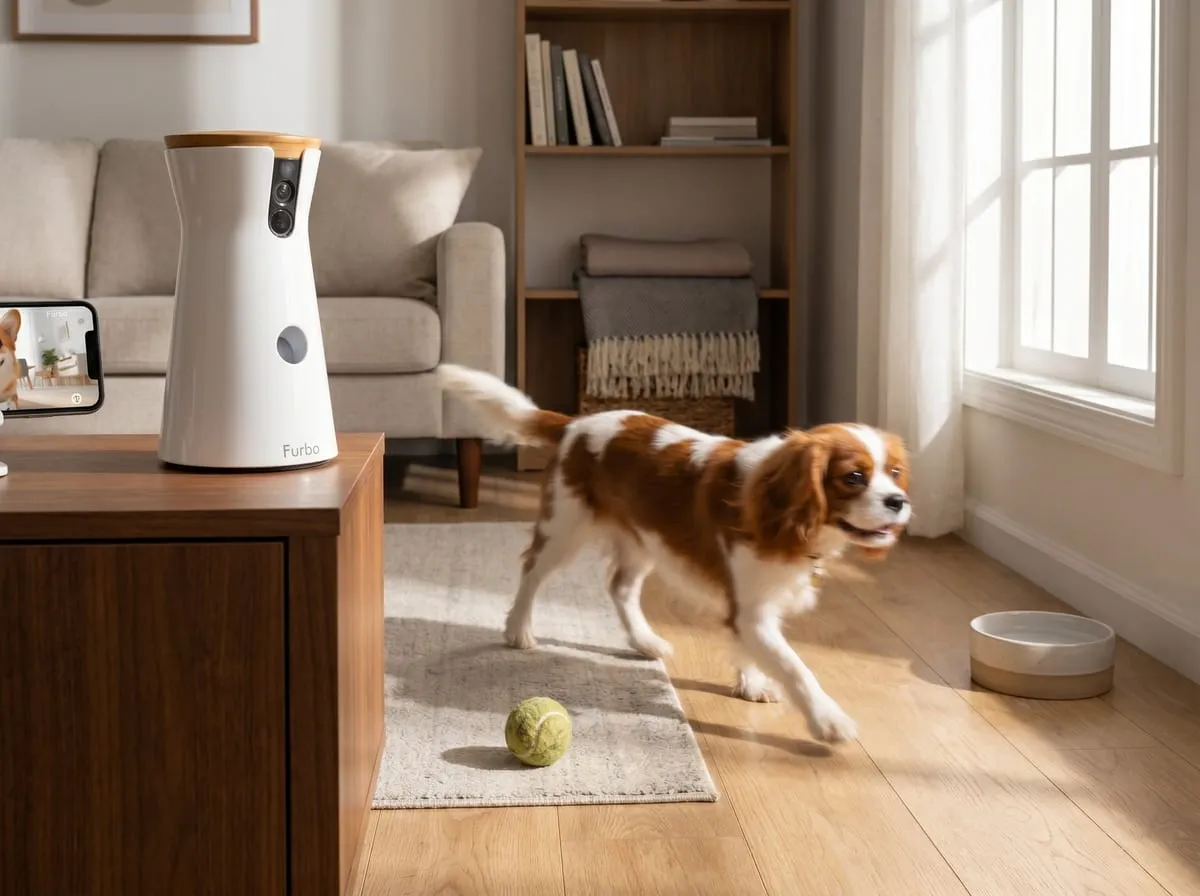
360° rotation. This is the headline upgrade over fixed pet cameras. The camera pans a full circle, so a dog that wanders out of frame doesn’t disappear. You follow it. Buyers single out the turning radius alongside image quality, again and again, describing a crystal-clear picture and a generous turning range.
1080p video with night vision. Full-HD resolution during the day, infrared at night with no visible flash to disturb a sleeping pet. The night vision matters more than it sounds: a lot of the anxious checking happens after dark, and buyers note the picture stays clear even at night.
Two-way audio. A speaker and microphone let you talk to your pet and hear the room. This is the feature that turns the dog camera from a passive monitor into something interactive — the reviewer above uses it to verbally settle a restless dog rather than just watch one. For a hot, empty house, hearing the room (a panting dog, a running fan, silence) is its own data point.
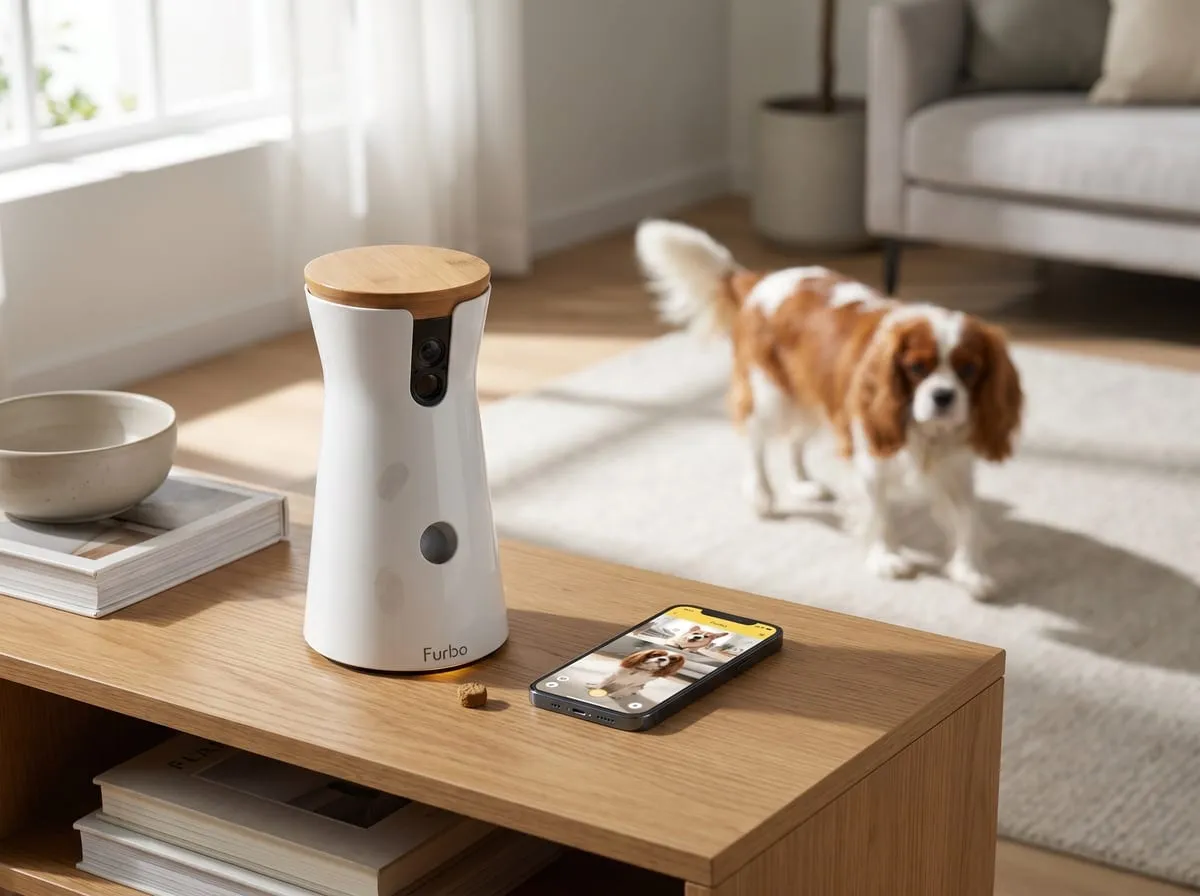
Treat toss. On a tap in the app, the Furbo flings a small round treat. It’s the reward layer. Buyers pair it with a calm voice to reinforce that “alone time” ends well. Owners note that small round Zuke’s-style treats feed reliably through the dispenser.
Bark alerts. The free tier pushes a notification when it detects barking, so you don’t have to stare at the feed all day. The camera taps you on the shoulder when something’s up. (The richer, continuous version of this lives in the paid add-on, covered next.)

Free vs. Dog Nanny: the part to get right
This is where a lot of write-ups blur the line, so here is the precise split.
Free, out of the box — most of what you bought it for:
- Live video view (1080p)
- 360° panning
- Two-way audio
- Treat toss
- Night vision
- Basic bark alerts
That free set covers every headline feature. The Amazon listing itself leads with “Standard See, Talk, & Toss Features.” Buyers confirm it bluntly: easy setup, a clear 360-degree picture, no subscription required, and a hearty recommendation. In its assessment, the independent pet-media outlet Dogster points out that the free tier is genuinely generous next to competitors at this price, since most of the features people care about don’t sit behind a paywall.
The paid Dog Nanny add-on (around $7/month) adds:
- Continuous, smarter bark detection (sustained, not just a single ping)
- Howling and whining alerts
- Motion-triggered video clip recording — a saved record of the day’s activity
So “no subscription required” is too blunt to be accurate. The precise version: most features are free, and the subscription is an optional layer for owners who want continuous behavior detection and recorded clips. One buyer who tried the recording side captures the appeal (they saved plenty of funny interactions with their pet while away), and another lists exactly what the Nanny tier flags: barking, howling, pacing, and chewing behaviors. If you mainly want to look in and talk, you never have to pay. If you want a record and continuous alerts, that’s the upgrade.
Pros
- The buy trigger is reassurance, not surveillance. A routine change is the reason most buyers cite, and the reviews describe the camera delivering exactly the check-in-and-settle workflow they were after.
- Most premium features are free. Live view, 360° panning, treat toss, two-way audio, basic bark alerts, and night vision all work without a subscription — the rare dog camera where the headline features aren’t paywalled.
- 360° rotation plus a clear image. Reviewers describe the turning radius and 1080p clarity as a step above competitor cameras at the same tier.
- It watches cats too. The listing says “Dog Camera,” but it’s species-agnostic — at least one owner who rescued a kitten uses the Furbo to check on the cat and reports much the same peace of mind.
- Built to be expanded. Multi-camera households show up across the top reviews. Owners adding a second or third unit for full-home coverage is a strong trust signal.
- Night vision that doesn’t disturb. Infrared, no visible flash — useful for the after-dark checking that anxious owners actually do.

Specs at a glance
- Camera: 1080p, 360° rotation, dual-lens
- Night vision: Infrared (no visible flash)
- Audio: Two-way speaker and microphone
- Treat compartment: small round treats (~30 capacity)
- Connectivity: 2.4 GHz Wi-Fi (no 5 GHz)
- Free features: live view · 360° panning · treat toss · two-way audio · basic bark alerts · night vision
- Optional Dog Nanny (~$7/mo): continuous bark detection · howling/whining alerts · motion-triggered clip recording
- Works for: dogs and cats
- My rating: 4.4 / 5 (my editorial score — see the full breakdown below)
- Price tier: premium ($$$)
Good to Know Before You Buy
A few quick things to weigh. None is a dealbreaker, and each is easy to plan around.
- It’s premium-priced. The most common reservation in the reviews; a typical note is that it works well but runs a little expensive next to other brands. What owners feel justifies it is the generous free tier and the build quality. If price is your single deciding factor, a fixed budget camera will cost less.
- 2.4 GHz Wi-Fi only. It connects on the 2.4 GHz band, not 5 GHz. Most modern routers broadcast both, so for most people this is a non-issue — just enable the 2.4 GHz band before setup if your network is 5 GHz-only (a quick five-minute router change).
- Treat-toss rewards food-motivated dogs best. With a dog that eats anything indiscriminately, one owner barely uses the treat and feather features — the reward means less to a non-picky eater. Live view, audio, and alerts still carry the camera on their own.
Is it worth the premium?
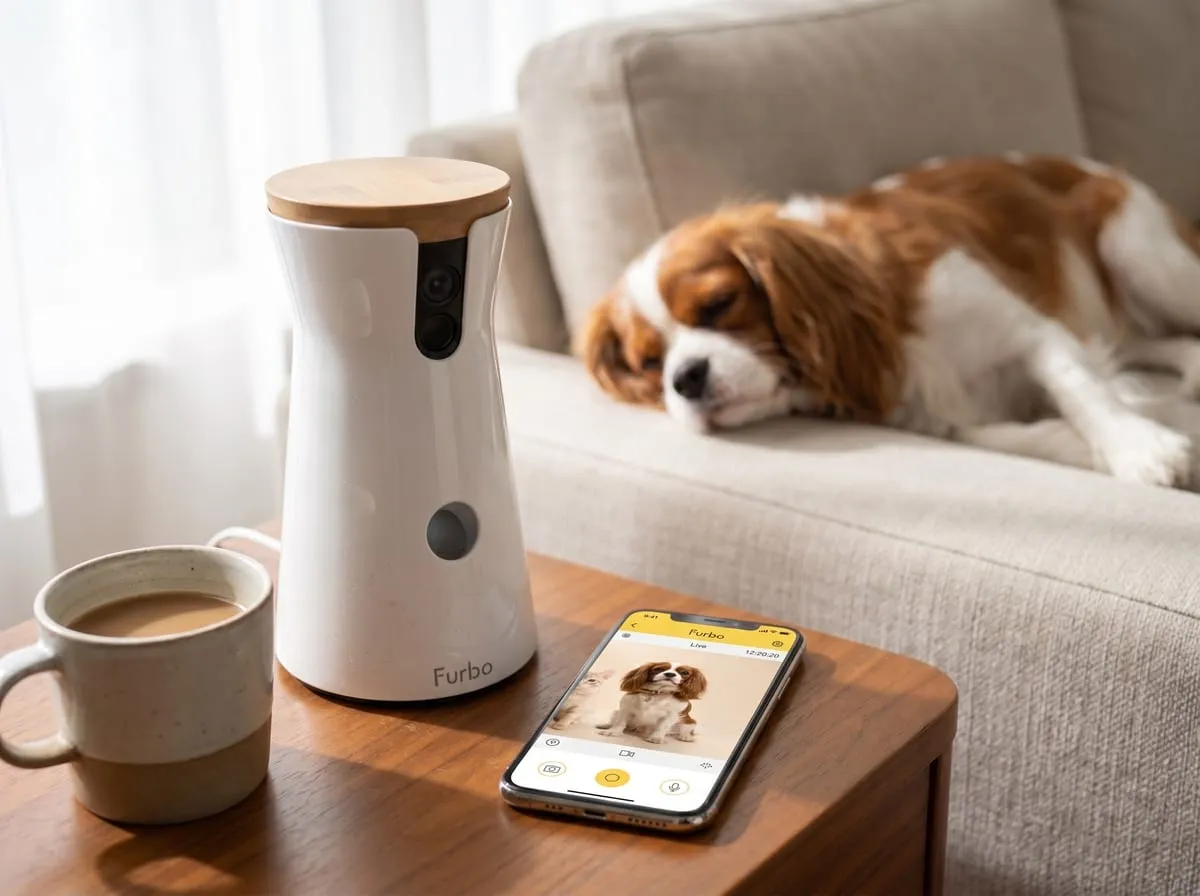
The Furbo 360 sits at the top of the dog-camera price range, and the reviews don’t pretend otherwise. The value case rests on two things: you’re not paying a monthly fee to use the core product, and the hardware does more than a typical fixed camera — full rotation, treat dispensing, two-way audio, and cross-species monitoring in one device.
For a household where a pet is home alone through hot afternoons, the math most reviewers settle on is simple: the premium buys a daily reduction in worry, with no recurring cost attached unless you opt into recording. If you want the saved-clip diary and continuous behavior alerts, budget the modest monthly add-on; if you just want to look in and talk, the up-front cost is the whole cost. That free-vs-paid clarity is, for a lot of buyers, the thing that justifies the tier.
How we scored the Furbo 360 — 4.4 / 5
My rating isn’t an average of anyone’s stars — it’s an editor’s read across the things that actually decide whether a dog camera earns its spot — weighed from the feature set, the free-vs-paid structure, the published specs, and the themes that recur across owner feedback. Here’s how the Furbo 360 landed:
| What we weighed | Call | Why |
|---|---|---|
| Core job — “is my pet okay?” | Excellent | Live view, 360° panning, and night vision deliver the check-in-and-settle ritual buyers are actually after. |
| Features & versatility | Excellent | Treat toss, two-way audio, multi-camera support — and it works for cats too. More than a fixed camera does. |
| Value for the price | Good | Premium tier, but the headline features are free with no subscription — rare in this category. |
| Setup & connectivity | Good | App setup is straightforward; the one catch is 2.4 GHz-only Wi-Fi (a five-minute router fix for most). |
| Subscription honesty | Strong | The free-vs-Dog-Nanny split is clear and fair — you only pay for recording and continuous alerts if you want them. |
Why 4.4 and not a perfect 5: two honest points come off — the premium price next to budget cameras, and the 2.4 GHz-only band that trips up 5 GHz-locked networks. Neither is a dealbreaker, but together they keep it just shy of flawless.
This is my own editorial rating — not an average of Amazon’s stars. How I rate →
Verdict
Buy it if a pet is home alone during hot stretches and you want to see and talk to them from your phone without a subscription; if 360° coverage matters because your pet roams; if you’d add a second camera later for full-home coverage; or if you want one device that works for both dogs and cats.
Skip it if price is your single deciding factor and a fixed, no-frills camera would calm your nerves just as well; if your network is locked to 5 GHz and you can’t enable 2.4 GHz; or if your dog is an indiscriminate chewer and the treat-toss reward (one of the standout features) wouldn’t land.
For most pet parents staring down a summer of long, hot, away-from-home days, the Furbo 360 earns its place as a dog camera. The thousands of ratings keep landing on the same two words, and they’re the right ones: peace of mind.
FAQ
Do I have to pay a subscription to use the Furbo 360 dog camera? No — most features are free. Live view, 360° panning, treat toss, two-way audio, basic bark alerts, and night vision all work at no cost. The optional Dog Nanny add-on (around $7/month) is only for continuous bark detection, howling/whining alerts, and motion-triggered clip recording.
Does the Furbo 360 work for cats? Yes. The listing markets it as a “Dog Camera,” but reviewers use it for cats too — one rescued a kitten and uses it to check in. The camera, audio, and treat features aren’t species-specific.
What does the 360° rotation actually do? The camera pans a full circle, so a pet that wanders out of one fixed frame stays trackable. Reviewers repeatedly call out the turning radius as a reason it beats fixed cameras.
Does it need 5 GHz Wi-Fi? No — it runs on 2.4 GHz only. If your router is set to 5 GHz exclusively, enable the 2.4 GHz band before setup.
Can I add more than one? Yes, and many owners do. Multi-camera setups (a second or third unit for full-home coverage) are a common pattern in the reviews.
Is the treat toss worth it for any dog? It’s best for food-motivated dogs. Owners with indiscriminate chewers report they use it less, since the treat reward means less — but live view, audio, and alerts carry the camera regardless.
Part of our 6 Best Summer Cooling & Water Picks for Dogs roundup.
Join the Nova’s Picks community 🔍
Get new honest reviews, roundups & finds first — and ask me what to buy before you do.
Join the free Facebook group →